New firmware for the Xteink X3
eOctavo replaces the X3's software with a faster reader, a home screen you arrange yourself, a pocketful of everyday tools and an app store for more. It all runs on the device: no phone, no account, no cloud.


Reading first
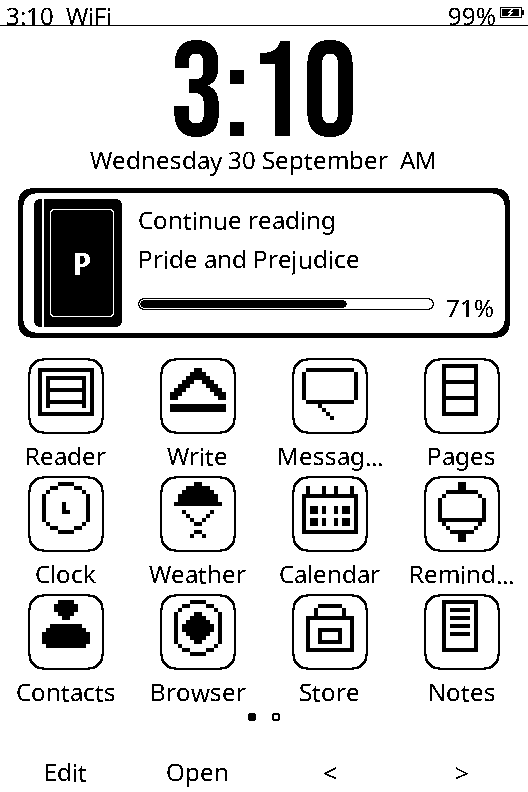
EPUB, plain text and Markdown, set in real book type with kerning, ligatures, true bold and italics, in four text sizes. Your library appears as a shelf of covers with how far through each book you are, and one press takes you back in.
A home screen that's yours
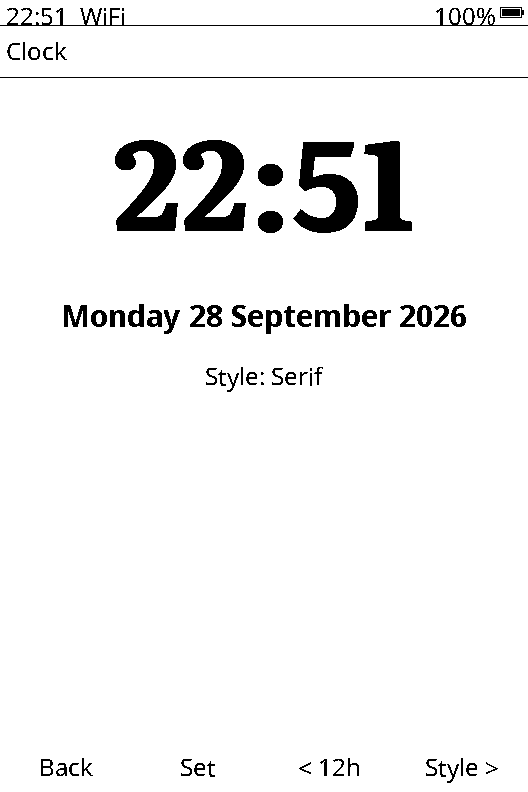
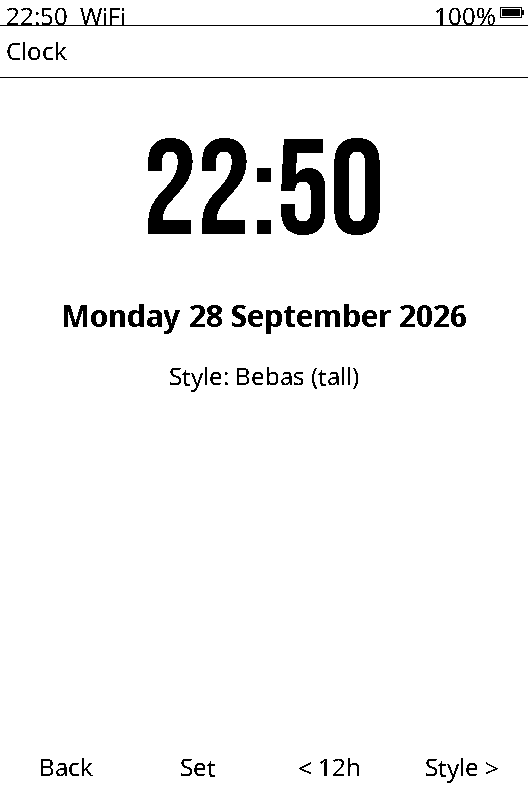
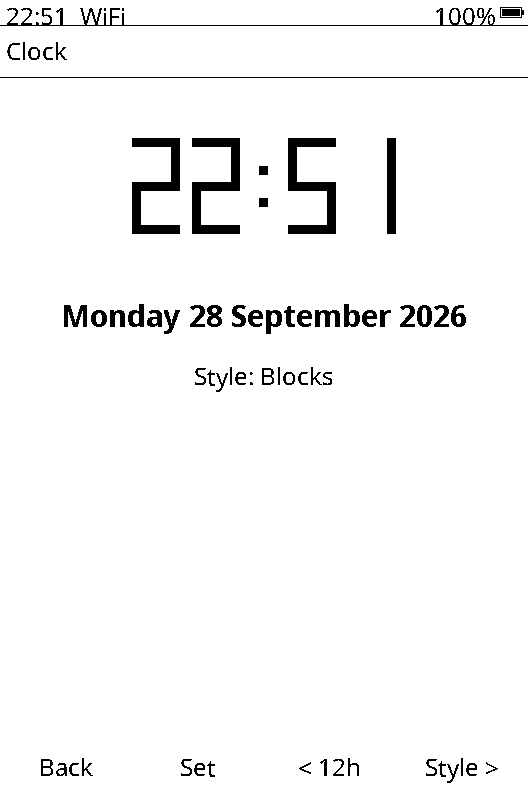
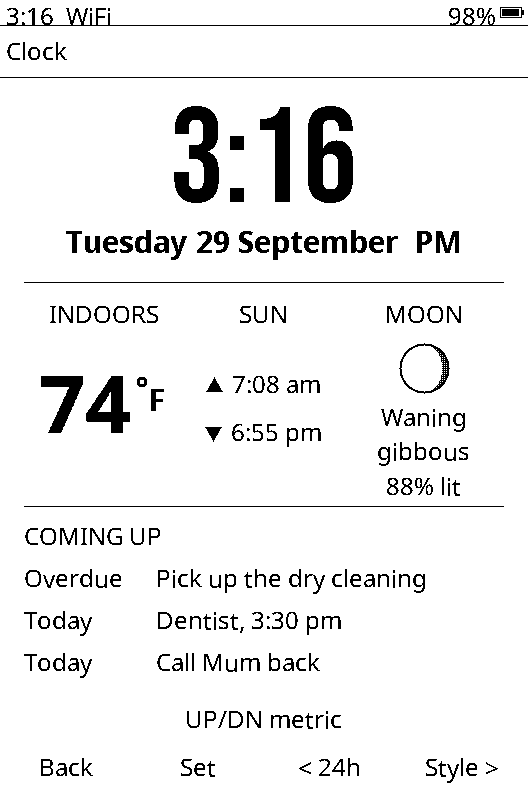
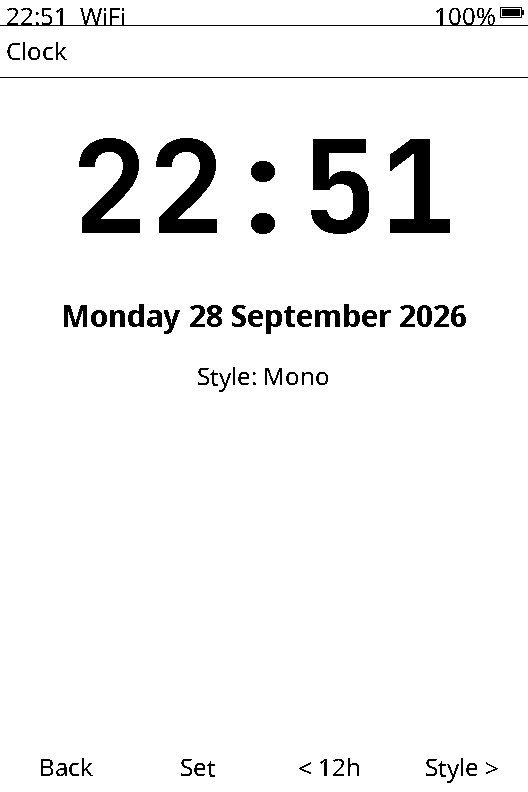
A big clock, a "continue reading" card and an icon grid you pin and arrange. Choose the typeface for the whole interface and the style of the clock, from blocky digital to an elegant serif.
Your day, on the device
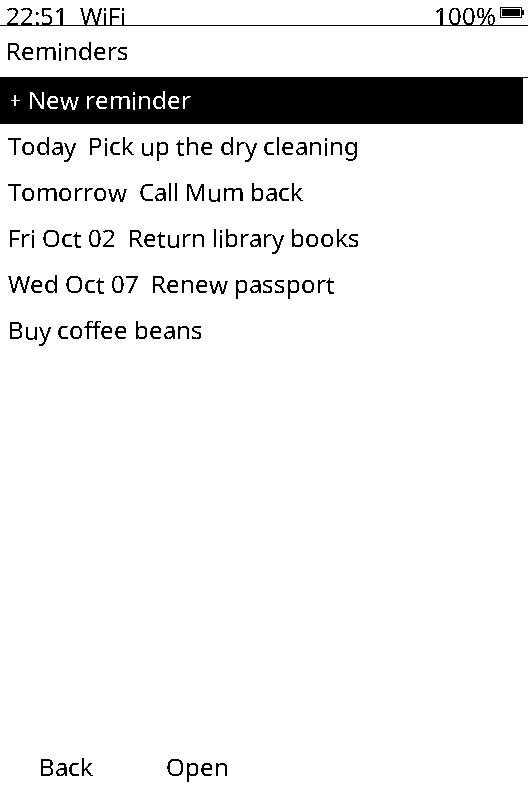
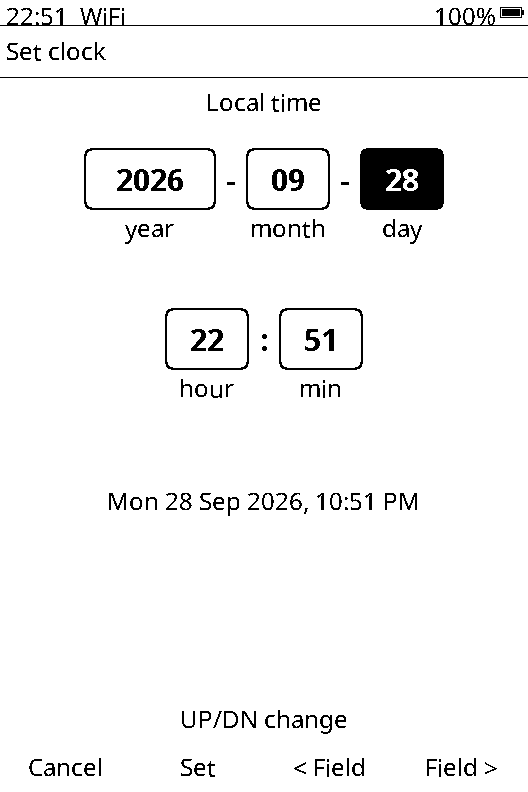
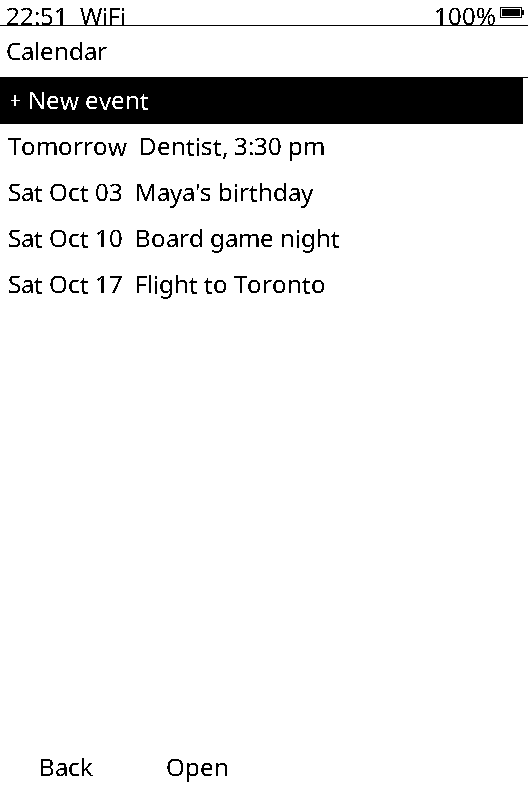
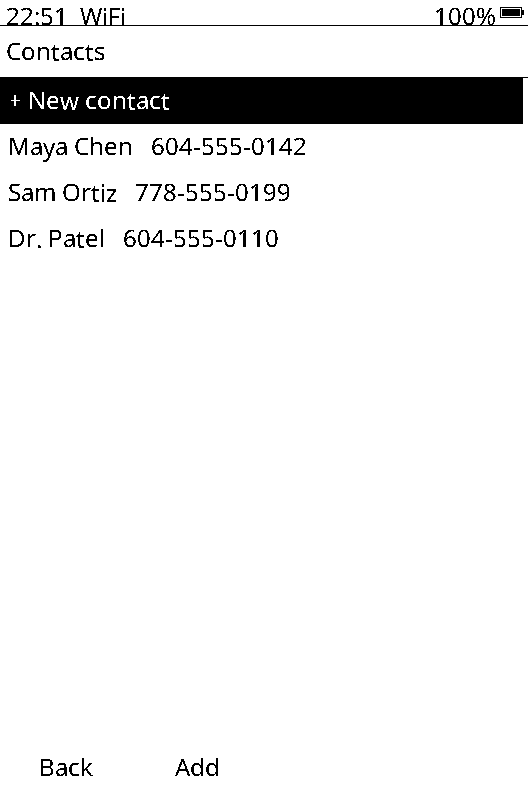
Add a reminder, give it a date with the picker, and it shows up as "Today" or "Tomorrow" when it's due. Keep events and contacts the same way. Everything is stored on your SD card as plain text you can open on a computer.

Look it up
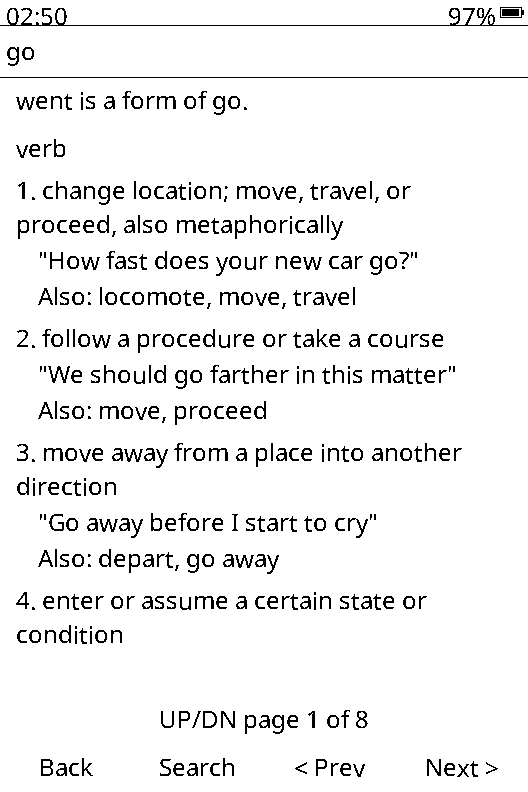
An English dictionary is built in: about 72,000 words with definitions, examples and synonyms, no Wi-Fi needed. Type "went" and it finds "go". Photos shows the pictures on your SD card full screen, and any of them can become the picture your X3 shows while it sleeps.
Game night
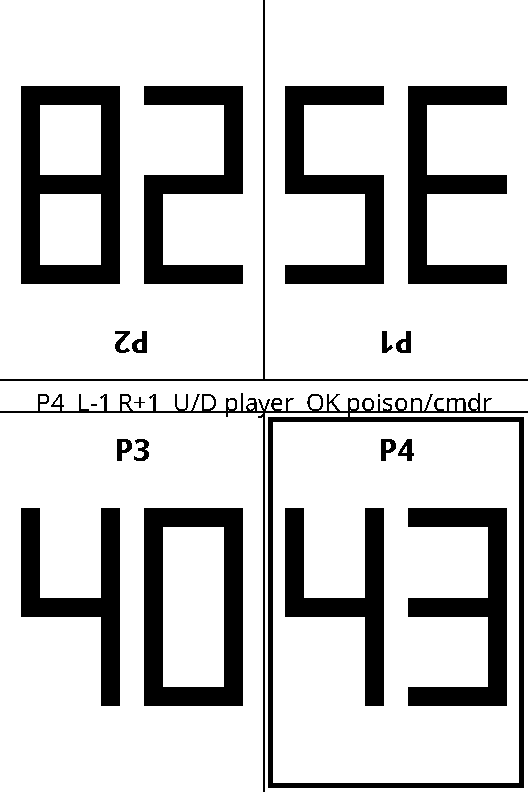
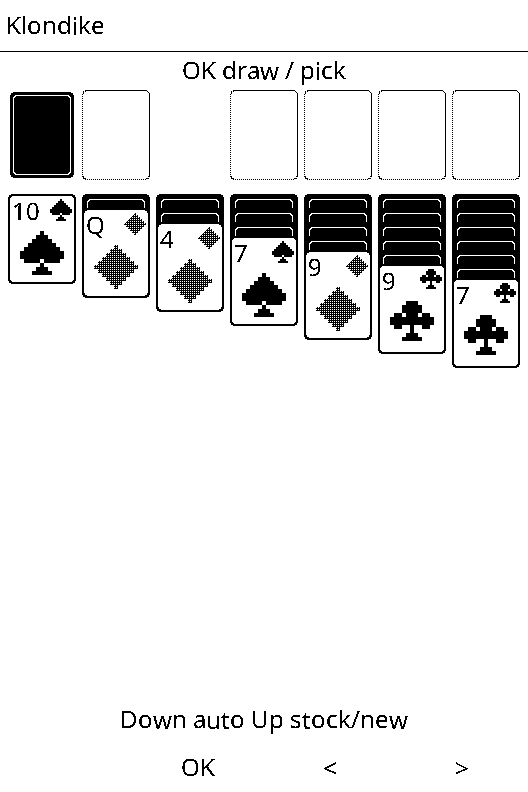
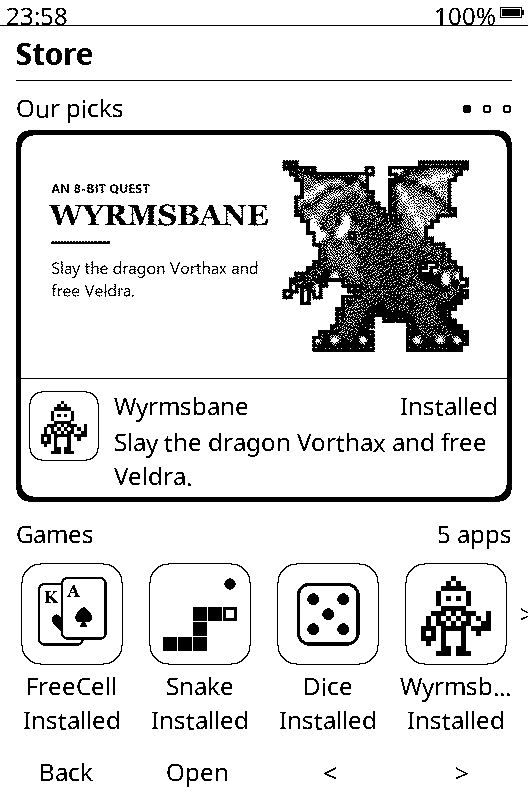
A two-to-four player life counter that faces every player, with poison and commander damage. Plus dice, blackjack and Klondike solitaire, all laid out for a black-and-white screen. FreeCell, Snake, a virtual pet and an 8-bit dragon quest are a press away in the Store.
An app store on the X3
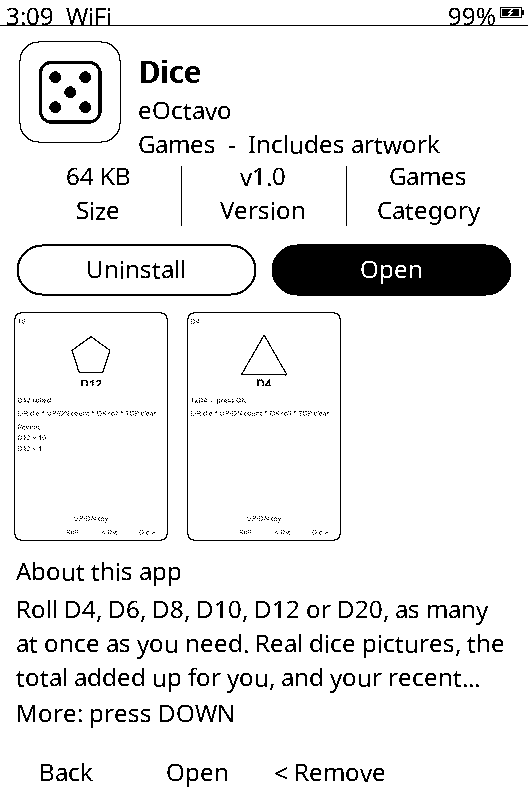
Open Store on the home screen, pick an app and press Install. It downloads over Wi-Fi and lands in its folder on the home screen, ready to open. The Store checks for new apps by itself, and tells you when one you have has an update.
Easy on the battery
How it compares
Here's how eOctavo stacks up against the firmware your X3 came with, and the two most popular replacements.
| Feature | eOctavo | X3 stock firmware | Snail OS | CrossPoint |
|---|---|---|---|---|
| What it costs | $4.99 once | Comes with the X3 | $9, plus $4.99 a month for Snail Connect | Free |
| Reminders, calendar and contacts | Typed right on the X3 | Not included | Through Snail Connect: a subscription and a Mac that stays on | Not included |
| Needs a phone, Mac or account | Never | No; the Xteink phone app is optional, for sending books | For messages, calendar, reminders and contacts | No |
| Clock | Six faces, plus indoor temperature, sunrise and sunset, the moon and what's coming up | No clock faces | Three faces | Not included |
| Interface fonts | Four to choose from | Built-in fonts in two text sizes, plus font files you add | One (Ubuntu Mono) | Custom reading fonts from the SD card |
| Games | Solitaire, blackjack, dice and a four-player life counter, plus FreeCell, Snake and more from its Store | Not included | Snake and blackjack, plus apps from its store | Not included |
| Reading | EPUB, TXT and Markdown, with a cover-flow library and custom reading fonts from the SD card | EPUB and TXT; reviewers report EPUB formatting problems and freezes | EPUB and TXT, with bookmarks and inline pictures | EPUB with hyphenation, KOReader sync and custom fonts |
| Installing | One-click Windows app, over the cable | Already installed | Needs a computer, a data cable and a microSD card | Web flasher or SD card |
| Updates | Free for life | Free, over Wi-Fi | Free | Free |
Stock firmware details are from Xteink's X3 product information and published reviews; Snail OS and CrossPoint details are from their own websites and documentation. All checked September 2026. Xteink, Snail OS and CrossPoint belong to their respective owners; eOctavo isn't affiliated with any of them.
Gallery
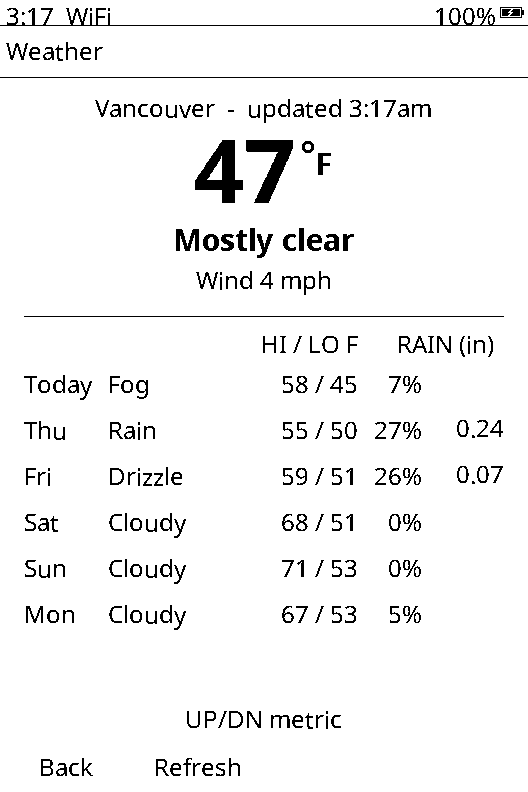
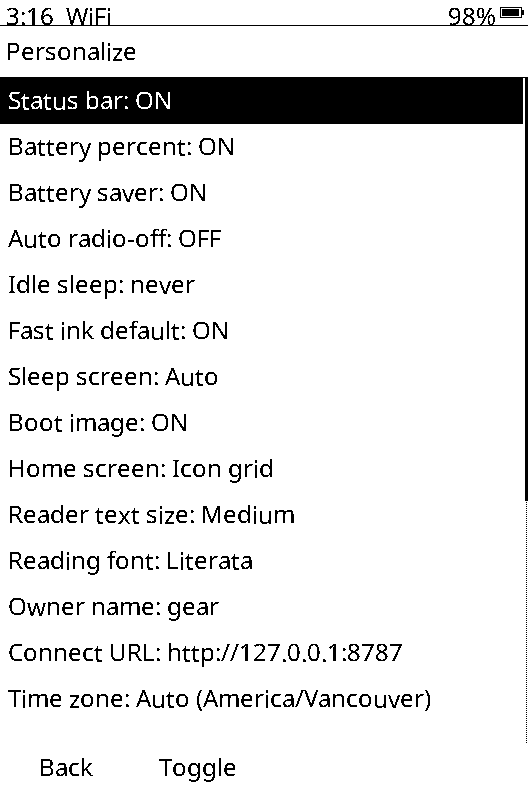
Every image here is a pixel-for-pixel capture from an X3 running eOctavo.
Get eOctavo
$4.99
One payment. Yours to keep, with free updates for life.
Buy eOctavo · $4.99Secure checkout by Stripe. Your download link appears right after payment and a receipt is emailed to you.
Questions
No. The installer only writes the X3's firmware. Books and files on the SD card aren't touched.
About a minute. Plug the X3 into your PC, run the installer, press Install and wait until it says the X3 is restarting.
No. Reading, reminders, the calendar, contacts, notes, the dictionary, photos, the clock and the games all work offline. Wi-Fi is only used when you ask for something from the internet: setting the clock, the weather, and installing apps from the Store.
Yes. Open Store on the X3's home screen to install games and tools over Wi-Fi, or browse them on the apps page. Apps run in a sandbox, so they can't see your books, notes or contacts.
The installer is Windows-only for now. You only need a Windows PC to install eOctavo and, when you want them, updates; the rest of the time the X3 doesn't need a computer.
Updates are free for life. When a new version comes out we email you; open your download page again, download and run the installer the same way. Your settings, books and notes stay put.
No. eOctavo is independent software for the X3 and isn't affiliated with or endorsed by Xteink.
Your thank-you page keeps working, so bookmarking it is enough. Every update email includes your link too. If you've lost it, email support with your Stripe receipt and we'll send it again.
 eOctavo